Chikudenya Toubei – Kubikiri Yakata Yori (Japan)
Play Chikudenya Toubei – Kubikiri Yakata Yori (Japan)
0 1 0
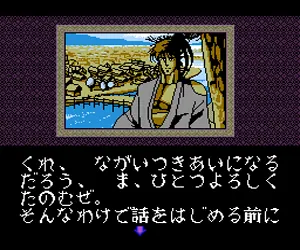
Chikudenya Toubei – Kubikiri Yakata Yori is a Japanese adventure game for the TurboGrafx-16’s PC Engine counterpart. Its historical mystery follows Toubei, a ronin with work beyond his public identity. The story unfolds through illustrated scenes, dialogue, and menu commands rather than continuous action combat.
Read more about Chikudenya Toubei – Kubikiri Yakata Yori (Japan)Show less
Gameplay
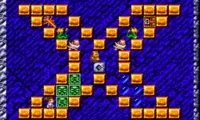
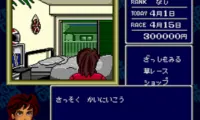
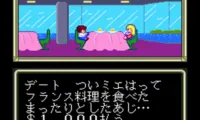
Select commands to examine locations, speak with characters, move to other places, and handle objects. Progress depends on noticing what the current scene reveals and choosing an action that develops the investigation. Conversations supply context, so reading through an exchange can be more useful than repeatedly selecting commands without understanding the response. The game uses a digital comic presentation for dramatic moments, letting illustrated sequences carry events between interactive scenes. Puzzles interrupt the dialogue and ask you to work with information gathered during the adventure. Much of the challenge lies in connecting what you learn with what the interface allows you to do. The pace leaves room to consider the evidence in a scene, with successful investigation moving Toubei toward the next development in the mystery.
Good to know
The Japan label identifies the Japanese release, with Japanese story text and menus. This is a text-heavy adventure, so Japanese reading ability is particularly useful for following clues, understanding conversations, and recognizing why a command did or did not advance the scene.
How to Play Chikudenya Toubei – Kubikiri Yakata Yori (Japan)?
Read the dialogue, inspect scenes, and use menu commands to gather information and solve the mystery surrounding Toubei’s assignment.
Game Controls
Arrow keys act as the D-pad and Enter is Start; the other action buttons are mapped to keyboard keys in the player.